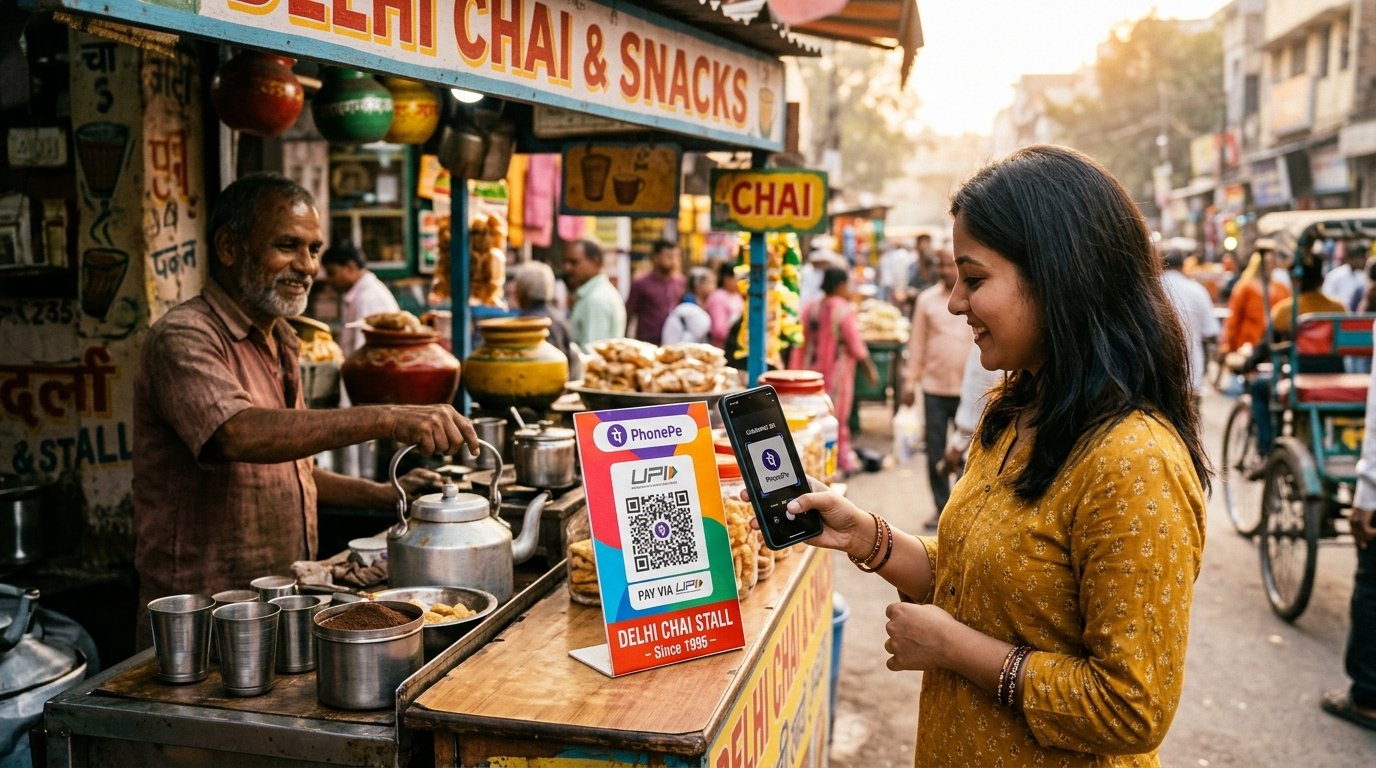
UPI made paying easy. According to NPCI data, it processed about 24.07 billion transactions worth ₹29.37 lakh crore in September 2026. For you, that probably means many small payments across PhonePe, Google Pay, Paytm and bank apps. A UPI expense tracker habit keeps them visible.
Why UPI spending is easy to lose
- Payments feel painless because there is no cash leaving your hand.
- History is split across several apps.
- Small payments blur together.
Way 1: Check each app's history
Every UPI app has a transaction list and some offer basic summaries. This is free, but you have to check several apps and the categories are often limited.
Way 2: Download bank statements monthly
Your bank statement shows every UPI debit. You can use it for an end-of-month review. But it shows cryptic merchant names, and it is too late to change behaviour.
Way 3: Log as you pay
Immediately after paying, send a short message to your tracker:
zomato 380petrol 1200electricity bill 1850
This works for any app, because you are recording the spend, not the payment channel. See WhatsApp expense tracking.
Forwarding a payment alert
Some trackers let you forward a bank debit message so the amount and merchant can be extracted. If you do this, check that the tool does not keep the full SMS text or ask for ongoing SMS access.
Build a UPI monthly review
At month-end, answer:
- Total UPI spend vs my budget
- Top 3 categories
- Largest single payment
- Subscriptions I forgot (see subscription tracking)
Tips
- Pick one main UPI app so history lives in one place.
- Set category budgets with
budget food 5000. - Add a "UPI misc" category for small payments, then review it weekly.
UPI rules also change over time. Read what the new UPI MDR means for your budget.
Track the next UPI payment you make on XpenseDiary.