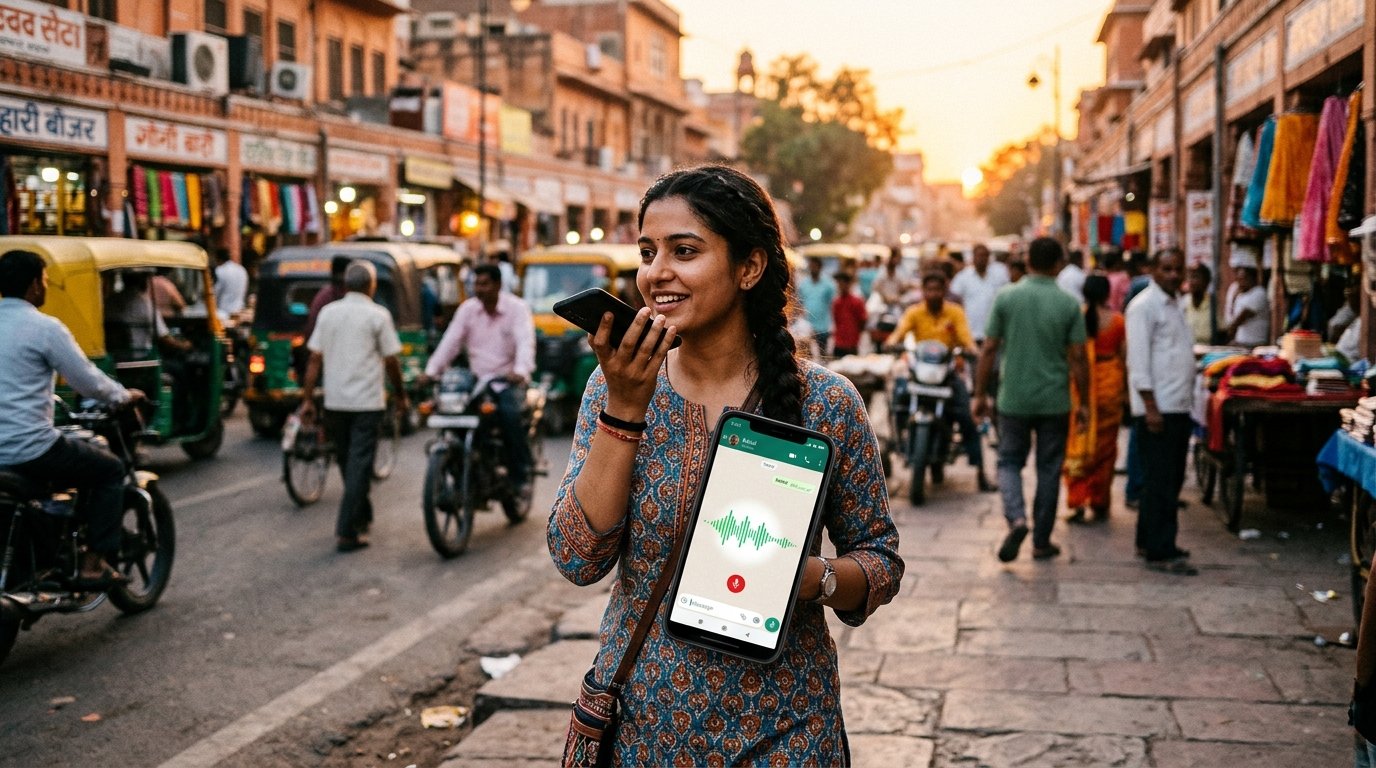
You pay the auto driver, your hands are full, and you know you will forget. A voice expense tracker solves exactly this moment. You press record on WhatsApp, say "auto sixty rupees", and it is logged.
How voice expense tracking works
- You send a voice note to the tracker's WhatsApp number.
- A speech-to-text model turns the audio into text.
- The text is cleaned up so small Hindi words like ko, ne and se are kept, since they change the meaning, especially for udhari entries.
- The usual AI categorization runs, and you get a reply with the result.
What to say
- "Chai thirty rupees"
- "Spent four hundred fifty on dinner"
- "Petrol twelve hundred"
- "Aaj sabzi mein do sau kharch hue"
Say the amount clearly and include the item. Short and simple beats long and detailed.
🎙️ Audio note: "Auto ke sixty rupees"
✅ ₹60.00 logged under 🛺 Transport & Auto.
Category budget used: 24%
Category budget used: 24%
Tips for accurate voice logging
- Say numbers slowly. Numbers are the most commonly misheard part.
- Avoid background noise where possible, or move away from traffic.
- Check the echo-back. The reply repeats the amount and category. If it is wrong, send
undo. - Stay in one language per note. Mixed Hinglish usually works, but short phrases are safest.
When voice is better than typing
| Situation | Voice | Typing |
|---|---|---|
| Riding or driving | Better | Unsafe |
| Hands full | Better | Hard |
| Quiet office | Fine | Better |
| Long list of items | Fine | Better |
Is voice less accurate?
Usually a little, because speech is noisy. In internal tests, voice transcripts scored lower than clean text, which is why a confirmation reply matters. The safety net is simple: read the reply, undo if needed.
Voice plus receipts
If you have a paper bill, a photo is often more reliable than speaking out items. See receipt scanning on WhatsApp.
Try it now: open XpenseDiary on WhatsApp, hold the mic and say your last expense.