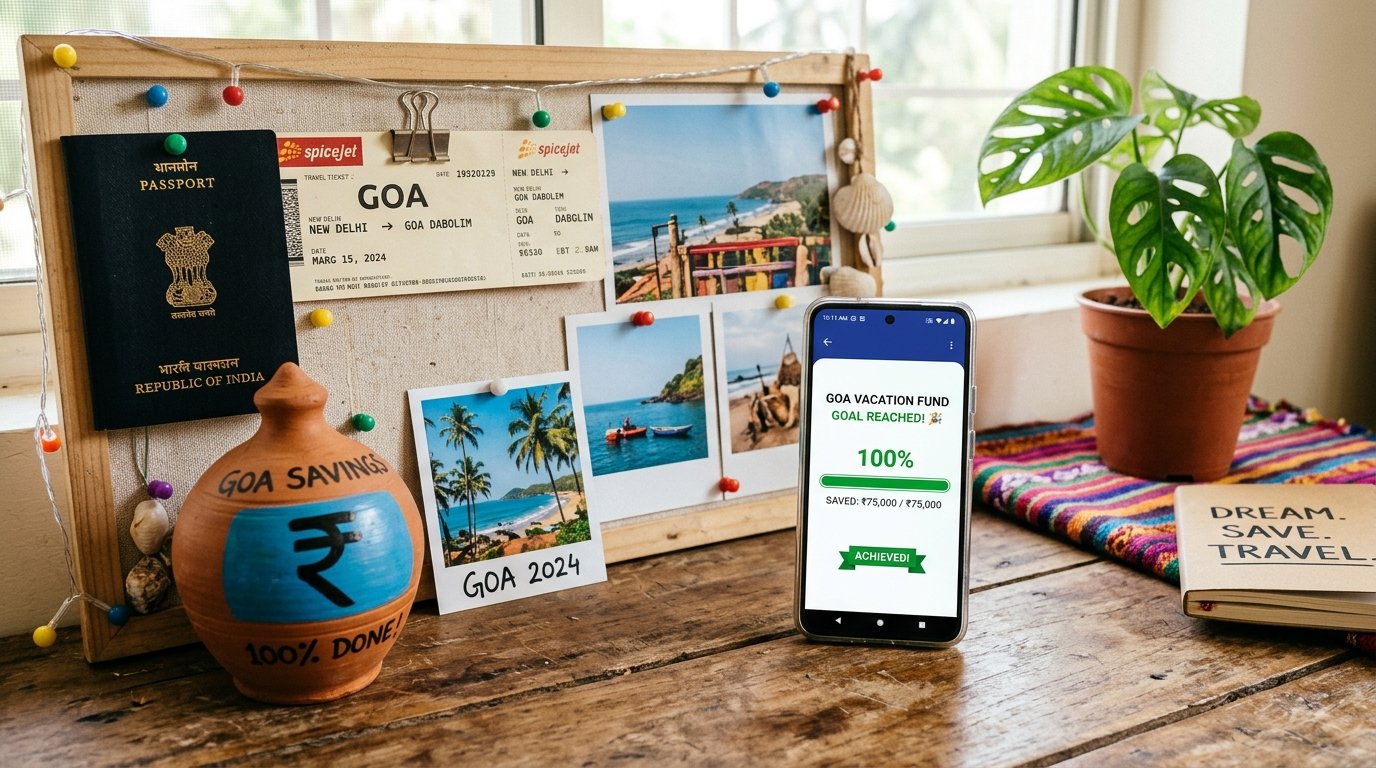
"I want to save more" rarely works. "I want ₹50,000 for a Goa trip by March" does. A savings goal tracker makes the target visible and the progress rewarding.
Choose goals worth saving for
- Emergency fund: the safety net. Start with one month of expenses.
- Short-term: phone, laptop, festival shopping.
- Medium-term: vacation, wedding contribution, course fees.
- Long-term: home down payment, retirement (use proper investment tools for these).
How to size a goal
Use this simple formula:
Monthly amount = target ÷ number of months
For ₹50,000 in 10 months, that is ₹5,000 per month, or roughly ₹1,150 a week.
Tracking goals on WhatsApp
goal Vacation 50000creates the goalgoal add Vacation 500adds a contribution and shows a progress bargoalslists all goals and amounts saved
You can see them on the web dashboard too.
Make contributing automatic
- On salary day, move the monthly amount to a separate account.
- Log it as a contribution straight away.
- If you get extra money, such as a bonus or a refund, add a part of it to the goal.
Keep motivation up
- Name the goal specifically.
- Check progress weekly.
- Split big goals into milestones, such as 25%, 50% and 75%.
- Reward milestones in small ways.
Common problems and fixes
| Problem | Fix |
|---|---|
| Skipped a month | Add a catch-up amount next month |
| Too many goals | Keep 2 or 3 active |
| Dipping into savings | Keep goal money in a separate account |
| Goal too big | Reduce target or extend the date |
Goals and budgets together
A goal needs money, and the money comes from your budget. If you are unsure where it will come from, see how to make a monthly budget and saving tips for a monthly salary.
General information, not investment advice.
Create your first goal: message XpenseDiary and type goal Emergency 30000.